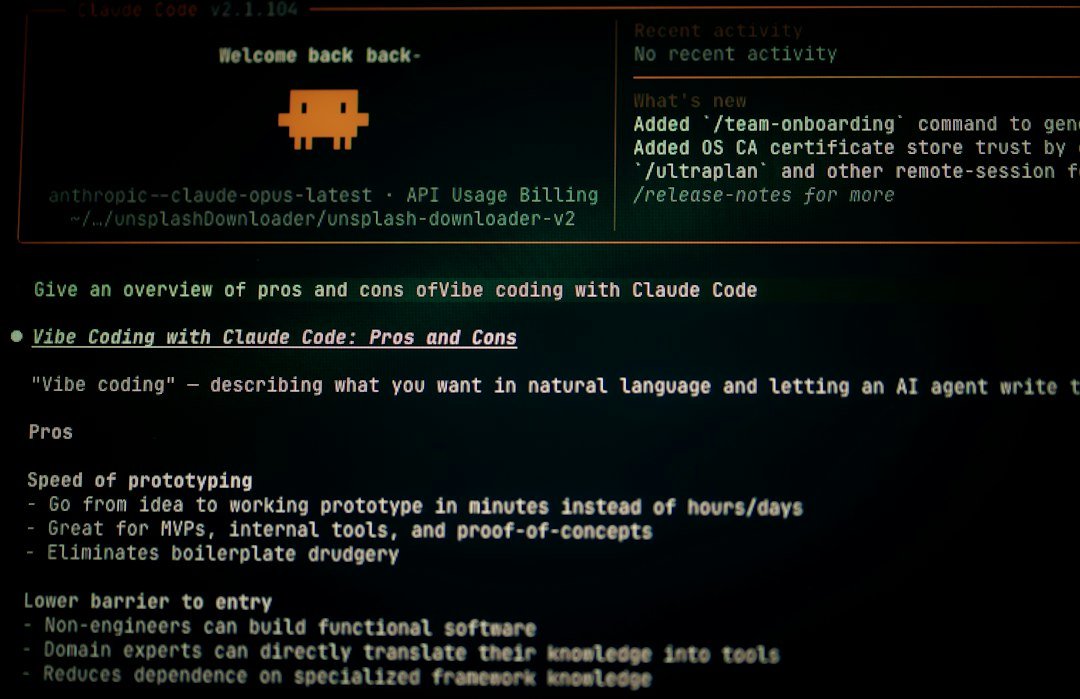
Photo by Bernd 📷 Dittrich on Unsplash
Log files are the lifeblood of any server environment: they record errors, track user activity, and provide forensic trails for debugging and security investigations. On a VPS with constrained disk space, unchecked log growth can quickly lead to disk bloat, service disruptions, and operational headaches. The goal is bounded logs, reliable compression, clean file reopen behavior after rotation, and proactive detection before partition overflow impacts production services.
This guide covers the exact configuration patterns, cleanup routines, and monitoring hooks needed to keep systems stable without losing critical audit data. Whether you’re managing systemd-journald output or traditional /var/log/* files rotated via logrotate, these practices prevent “No space left on device” errors that crash databases and web servers at peak traffic.
Systemd Journal Rotation — The Modern Approach
On Linux distributions using systemd as the default init system, systemd-journald collects and stores log messages from various sources in a binary format. To manage rotation without touching the journal files directly, edit /etc/systemd/journald.conf.d/00-log-rotation.conf:
[Journal]
SystemMaxUse=100M
SystemKeepFree=500M
This configuration limits the maximum size of log files to 100MB and maintains at least 500MB of free space on the disk. You can adjust these values according to your needs, but be careful not to set the log file size too low, or you may miss important log messages during high-traffic periods.
To monitor the journal footprint without opening binary files directly:
journalctl --disk-usage
When disk space becomes constrained, vacuum the journal logs to free up space:
journalctl --vacuum-size=1G
The real trick here is finding the right balance between log file size and free space. Setting SystemMaxUse too low risks losing critical events during bursts; setting it too high defeats the purpose of rotation. The 100MB/500M starting point works well for most VPS environments, but monitor actual usage patterns over time to fine-tune these thresholds.
Traditional Logrotate — Size-Based Triggers Are Essential
While default OS logs are handled automatically by systemd-journald or rsyslogd, application logs from Nginx, PHP-FPM, Docker, and custom services require explicit configuration in /etc/logrotate.d/. A common mistake is relying solely on time-based rotation; in high-traffic environments, size-based triggers are essential to prevent partition overflow between scheduled runs.
Create an application-specific rotation policy rather than editing the main logrotate.conf:
/var/log/myapp/*.log {
    daily
    rotate 30
    size 100M
    missingok
    notifempty
    compress
    delaycompress
    create 0640 www-data adm
    sharedscripts
    postrotate
        systemctl reload myapp > /dev/null 2>&1 || true
    endscript
}
This configuration uses both daily and size triggers: rotation occurs if either threshold is met first, covering both burst traffic periods and quiet operational windows. The size 100M directive ensures that even during sustained high-throughput events, logs rotate before consuming all available space on the partition.
The missingok and notifempty directives prevent errors when a log file doesn’t exist or contains no new entries since the last rotation cycle. These are standard practices that keep the rotation process clean without generating spurious warnings in system logs.
Atomicity and Post-Rotation Hooks — Keeping Services Running
One of the most subtle sources of operational issues is services continuing to write to the original log file after it has been renamed or truncated. The sharedscripts directive ensures postrotate commands execute only once, even when multiple files rotate simultaneously. This prevents race conditions where a service reloads while another hook attempts to restart itself.
For traditional syslogd and rsyslogd setups, invoke the appropriate rc.d command in the postrotate block:
postrotate
    invoke-rc.d rsyslog rotate > /dev/null 2>&1 || true
endscript
The || true prevents rotation failures when the system is under heavy load or when the rc.d script temporarily hangs. For Nginx and Apache setups, ensure the postrotate hook cleanly reloads the service so they keep writing to the new file immediately after rotation:
postrotate
    systemctl reload nginx > /dev/null 2>&1 || true
endscript
Permit breakage of permissions during rotation using the su and create directives. This prevents scenarios where rotated log files become inaccessible due to permission mismatches between the original owner and the service writing them. The create 0640 www-data adm directive ensures that new empty log files are created with the correct ownership and group permissions from the start of the next rotation cycle.
Compression, Retention, and Cleanup — Managing Disk Footprint Over Time
Archiving rotated logs is essential for reducing disk footprint while retaining what matters. Enable compression with compress, but use delaycompress to avoid compressing a file immediately after it has been rotated. This prevents scenarios where the newly created empty log file gets compressed by mistake, and ensures that recent events remain readable without decompression overhead during active troubleshooting.
Set retention thresholds using either maxage or rotate count. For example:
maxsize 100M
maxage 7
This configuration keeps logs for a maximum of seven days or until they reach 100MB in size, whichever comes first. The dual-threshold approach ensures that both burst traffic and quiet periods are covered appropriately. During quiet operational windows, time-based rotation still occurs; during bursts, the size threshold prevents partition overflow between scheduled runs.
When disk space is critically low and you need to reduce pressure immediately:
sudo du -xh /var/log | sort -h | tail -n 30
sudo truncate -s 0 /var/log/nginx/access.log
Truncate the worst offender only after confirming you don’t need that file for forensics. This emergency step is distinct from rotation: it immediately frees space without relying on the next scheduled cycle, making it a valid response to critical disk exhaustion scenarios.
Monitoring the System — Proactive Detection Before Partition Overflow
Before configuring rotation policies, establish baseline metrics with df -hT and journalctl --disk-usage. These checks reveal current filesystem types, available space, and journal footprint without opening individual files manually. Use these as part of regular operational monitoring:
sudo du -xh /var/log | sort -h | tail -n 30
This command identifies the largest log trees in /var/log, helping you spot which applications are generating excessive volume relative to their rotation policies. If a particular service consistently exceeds its size threshold within hours of rotation, either investigate why that application is writing aggressively or adjust its policy accordingly.
Set up proactive monitoring via cron or Prometheus to check disk usage thresholds before they impact production services. The goal is detection and action well before the partition fills completely, giving you time to investigate anomalies rather than reactively truncating logs during an outage window.
Conclusion
Effective log rotation prevents avoidable production outages caused by uncontrolled log growth consuming all available disk space. By combining size-based triggers with time-based scheduling in traditional logrotate configurations, systemd journal limits via SystemMaxUse and SystemKeepFree, atomic post-rotation hooks that cleanly reload services, compression with delayed archiving, and proactive monitoring of baseline metrics, systems remain stable without losing critical audit data. The key is treating rotation as an operational requirement rather than a housekeeping task — bounded logs enable predictable backups, effective incident response, and sustained uptime under varying traffic conditions.
FAQ: Daily Log Rotation Best Practices
How do I configure systemd journal rotation to prevent disk bloat while avoiding data loss?
Set SystemMaxUse=100M in /etc/systemd/journald.conf.d/00-log-rotation.conf to cap log file sizes, and use SystemKeepFree=500M to maintain buffer space. Monitor with journalctl --disk-usage and vacuum when needed using journalctl --vacuum-size=1G.
What is the best way to handle application logs that grow quickly during high traffic periods?
Use size-based triggers alongside time-based rotation in logrotate configurations, such as adding both daily and size 100M directives. This ensures rotation occurs before partition overflow even during burst traffic events or sustained high-throughput periods.
Why should I use both time-based and size-based triggers in logrotate configurations?
Relying solely on time-based rotation risks partition overflow between scheduled runs during sustained high-traffic bursts. Size triggers provide additional safety by forcing rotation when a single file approaches dangerous thresholds, covering both peak operational windows and quiet periods.
What are missingok and notifempty, and why are they important for log rotation stability?
missingok prevents errors if the target file doesn’t exist at rotation time, while notifempty skips unnecessary rotation cycles when no new entries have been written since the last run. These directives maintain clean system logs without generating spurious warnings during normal operation or maintenance windows.